Every place, every household
Track pantry, back-stock, fridge, freezer, deep freeze and garage items, with named shelves, search and an all-households view.
Requires iOS 17 or later on iPhone; Apple Watch app requires watchOS 10 or later. Control Center controls require iOS 18 or later.
0.1 (6) beta
What HouseStocked does, shown with the real app.
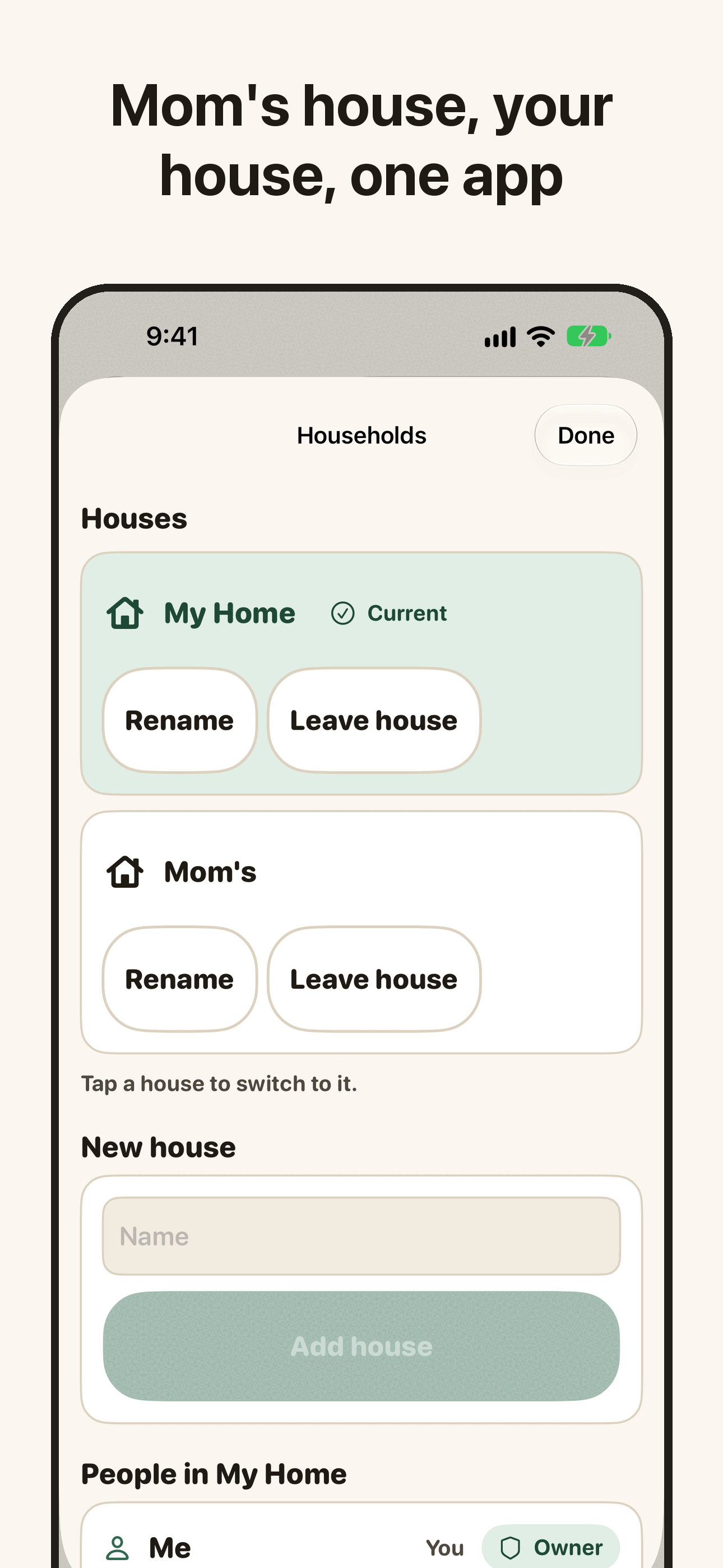
Your house, Mom's and a friend's, each with its own pantry, fridge, freezers and garage. One tap switches houses.
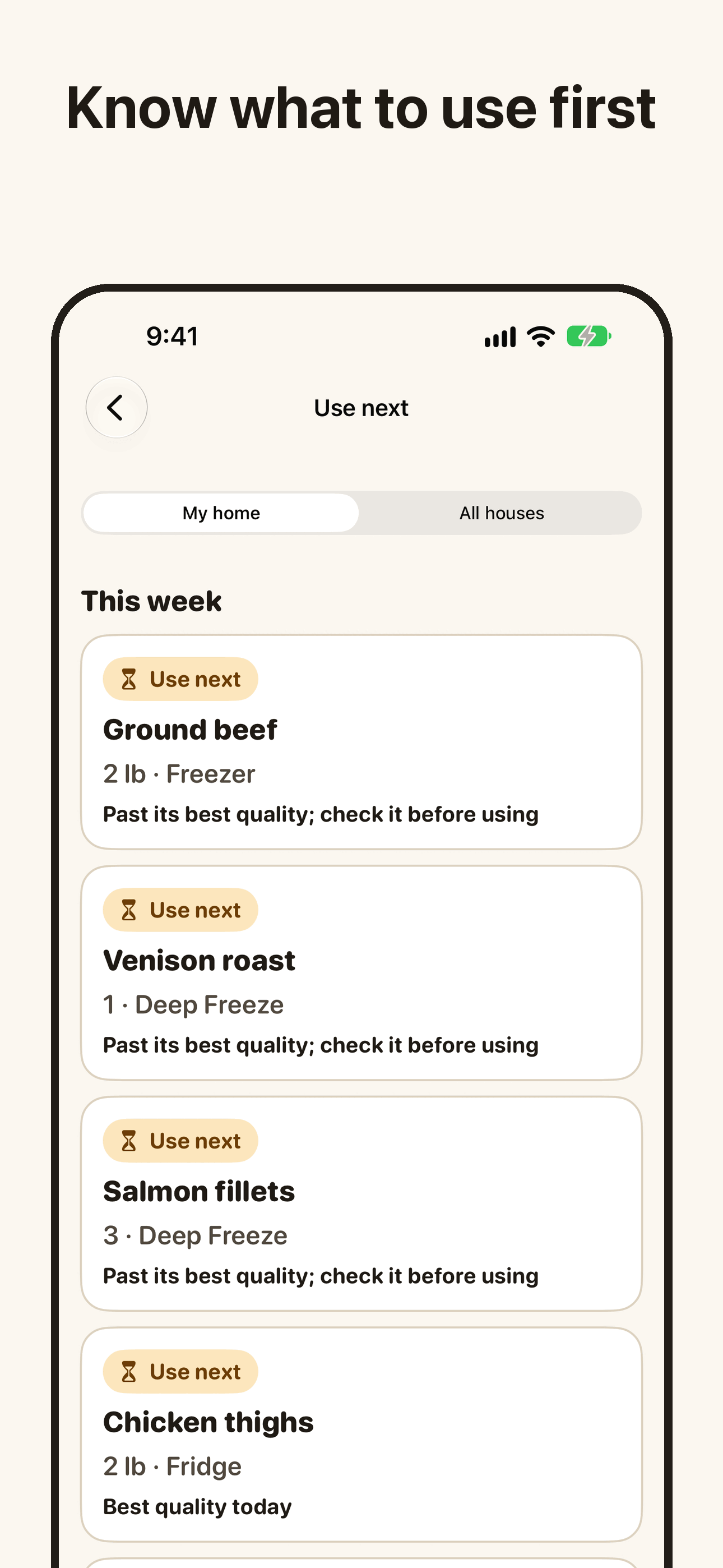
Write the freeze date once. HouseStocked works out when each thing is at its best and gently lists what to use next.
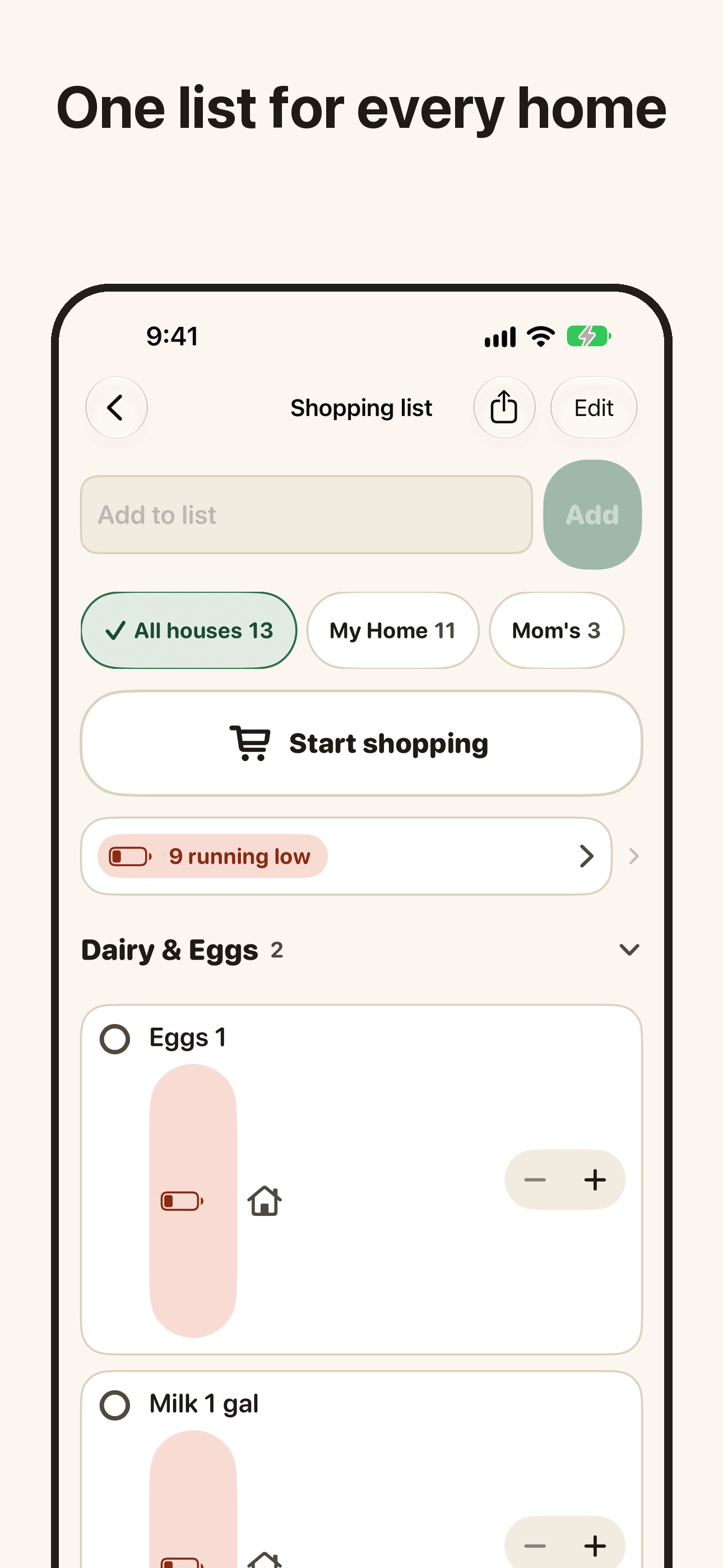
When something is used up in any house, it lands on one shared list, marked with whose house it is for.
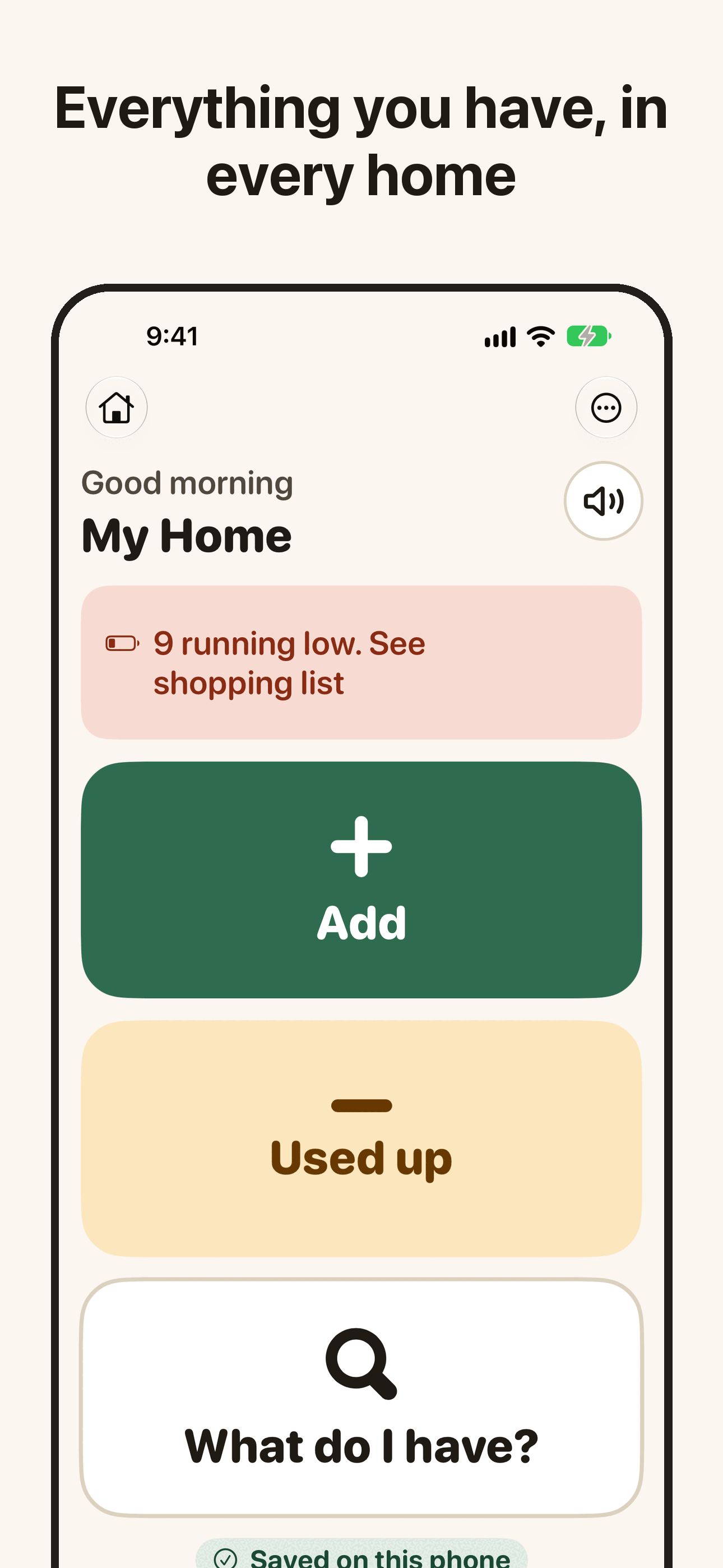
Simple mode is three big buttons: Add, Used up, What do I have? Large words, high contrast, and it can read the screen aloud.
The same list, wherever you are in the house or the store.
Existing app captures from the repository show sample data. Fresh captures of every beta surface are not yet available.
Say it, scan the barcode, or snap the handwritten freezer label.
Everything in every place, in every house, in big, clear words.
Use next shows what to cook first. Running out adds it to the list.
Track pantry, back-stock, fridge, freezer, deep freeze and garage items, with named shelves, search and an all-households view.
iCloud sync and household sharing are enabled in this beta through iCloud. Invite family to a household using iCloud. Sharing needs an iCloud account and a connection; production sharing still needs verification with two Apple IDs.
Type, speak, scan a barcode or enter a UPC, read a handwritten freezer label, or scan a grocery receipt. Unknown barcodes can be named manually. Receipt drafts can be edited before saving.
Editable freeze dates and USDA FoodKeeper best-quality guidance help order Use next for the freezer and deep freeze. These estimates describe quality, not food safety.
Set target quantities. Running low feeds one shopping list across households, alongside manual entries. Group by aisle, check off purchases and print the list.
The app compares public openFDA food recall notices with saved items on the phone. Possible matches need checking against the official notice. Alerts may be late or incomplete and are not a safety guarantee.
Use next and Running low widgets, Control Center controls, Siri and Shortcuts bring stock and shopping actions closer. Apple Watch shows Use next and lets you check off shopping. Live Activities follow shopping trips and thawing countdowns.
Automatic backups stay on this iPhone, with 7 daily, 4 weekly and 3 monthly copies. Settings offers backup export, restore with a safety copy and Undo, plus JSON and CSV data export. Print or share on-hand stock and shopping lists as PDF or CSV. This is not an overnight iCloud backup service.
Choose Simple mode for the three large Add, Used up and What do I have? actions, or Standard for more detail. English and Spanish, text-size settings and Read aloud are available. Device accessibility verification is still pending.
Print QR freezer labels, check inventory shelf by shelf, record prices, save recipes and a week plan on this phone, and optionally enable saved-store reminders. Household supplies and Freezer Guard are beta features. Guard is off by default and receives reports from a Home automation you set up; it does not monitor a sensor continuously or guarantee food safety. RepDial write-through and Pro code distribution are not available.
Voice is optional. In Standard mode, speech is processed on your iPhone; type instead if your phone does not support it. In Simple mode, Apple may process speech when on-device recognition is unavailable. Apple Watch quick add uses system dictation. Camera label and receipt recognition run on the phone; review the proposed text and dates before saving.